The new Beey gives every kind of payment its own page, and the dashboard is now the place you start. This is a short map of where things moved.
Income
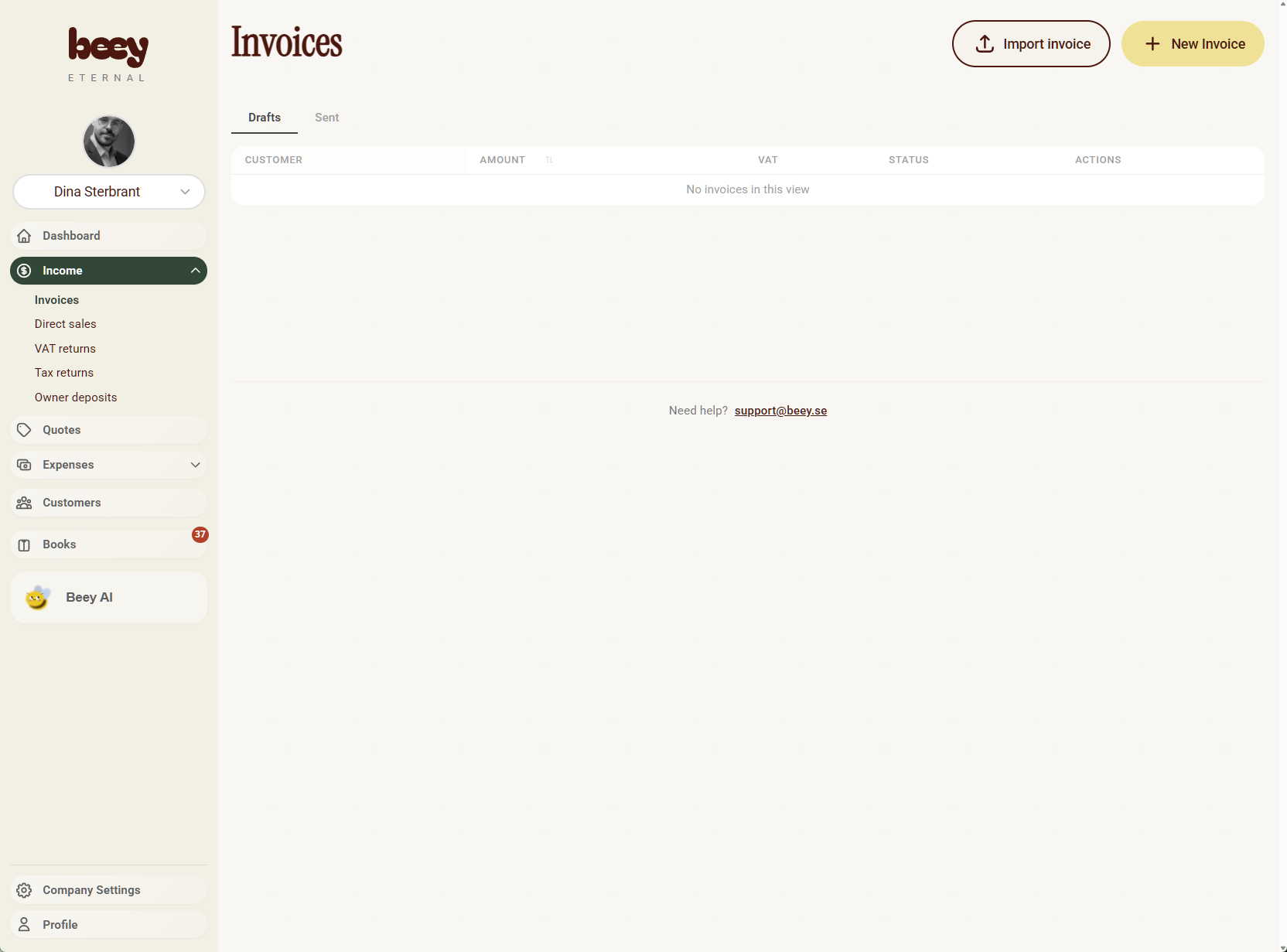
Open Income in the sidebar. Direct sales, tax, and money you put into the company each have a page of their own:
- Invoices — customer invoices, same as before
- Direct sales — sales you register without sending an invoice
- VAT returns — shown once the company has a VAT number
- Tax returns
- Owner deposits — money the owner pays into the company
Income in the sidebar
Expenses
Open Expenses in the sidebar. Purchases is the page that used to be called Expenses. Supplier invoices are new.
- Purchases — the old expenses page
- Expense invoices — supplier invoices. In Swedish this page is Leverantörsfakturor
- VAT payments — shown once the company has a VAT number
- Tax payments
- Owner draws — money the owner takes out of the company
VAT returns and VAT payments stay hidden until a VAT number is saved in company settings. The company in the income screenshot has a VAT number, so VAT returns is in that menu.
Expenses in the sidebar
The same screen is the new dashboard: the old main page is gone, and tax, dates, and the monthly breakdown live here instead.
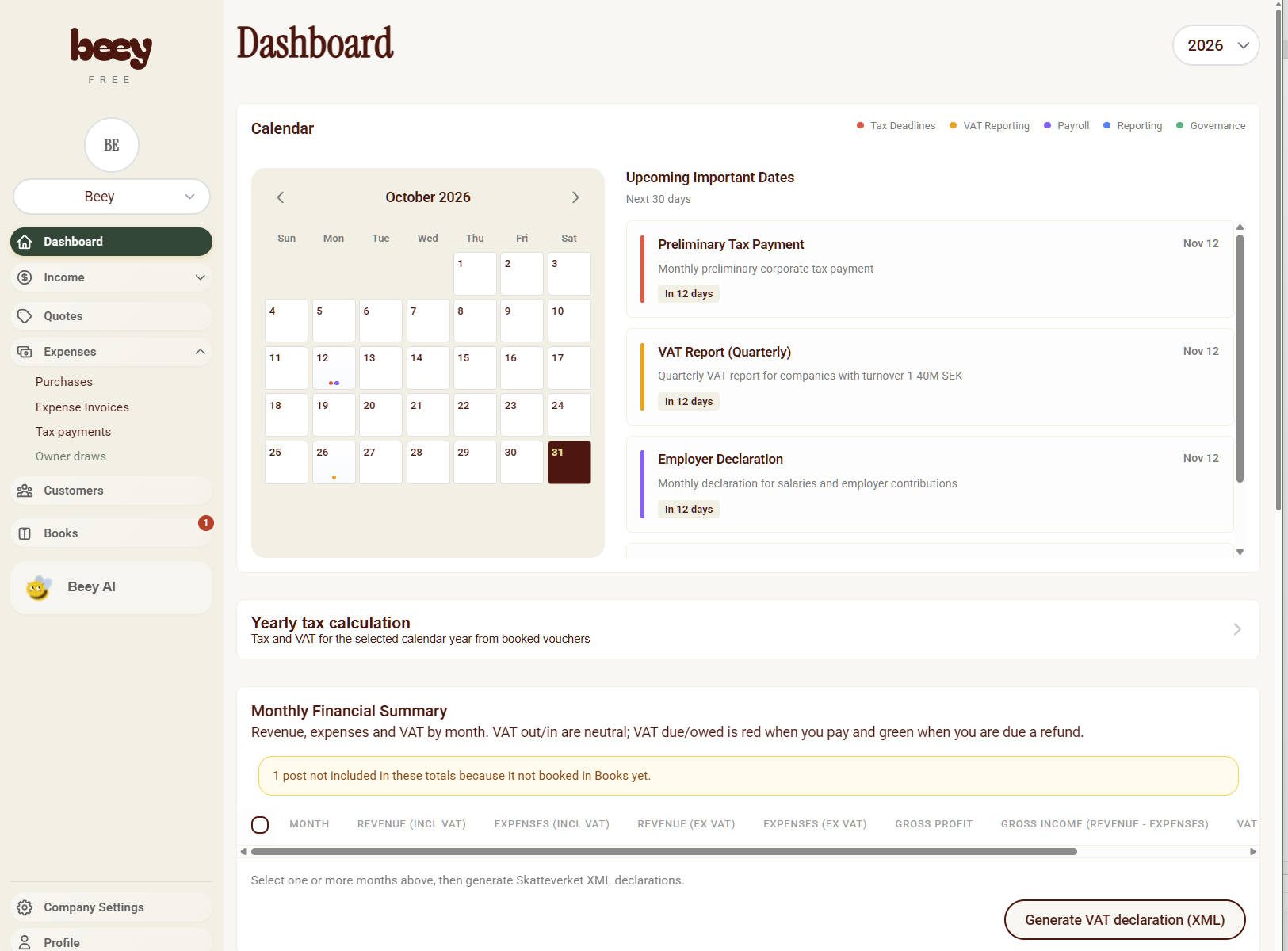
The dashboard
The dashboard is the home page. It shows the year's tax calculation from booked vouchers, a monthly breakdown of revenue, expenses, and VAT, upcoming filing dates, and a way to generate a Skatteverket VAT declaration from the months you select.
Expense invoices
You can create a supplier invoice with its own line items, VAT, due date, and payment reference, then follow it through to the books the same way as a customer invoice. Beey AI can create one for you as well.
Beey AI
Beey AI can now create every payment type the app supports: invoices, quotes, expense invoices, direct sales, purchases, VAT returns, VAT payments, tax returns, tax payments, owner deposits, and owner draws. It still drafts them for you to review before anything is saved.
Hide what you do not use
Company settings has a customization section where you can hide menu items that do not apply to the company. Hidden items leave the sidebar, so the menu only shows the pages you actually use. VAT pages follow the VAT number as well: without one, they stay hidden.
Books
Books uses the full BAS chart of accounts from Skatteverket, including the transaction accounts. Vouchers are suggested from the document you are booking, and you can still change the accounts before you post.
Follow a document
Pages link to each other so you can trace a document instead of hunting for it. An invoice shows whether it is sent, paid, or overdue, and whether the sale and the payment are booked. The next step is the one you can click. A booked step opens the voucher in Books, and Books can open the invoice, expense invoice, or other source it came from.
And the rest
This release also includes a long list of bugfixes and polish across invoicing, bookkeeping, and the menus above.